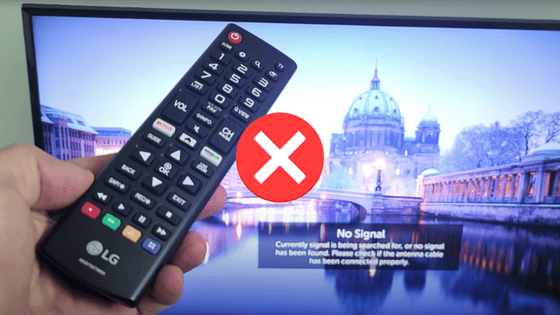
LG TV Remote Not Working (Quick FIX!)
It’s incredibly common for TV remotes to stop working, even after ordinary use. That’s because TV remotes are not built especially well!
So if you’re LG TV remote is not working, don’t worry – it’s an extremely common problem.
But before you start looking around for a replacement remote, try each and every one of the fixes I’ve detailed below. These are proven fixes that I’ve summarized from various online forums and YouTube videos.
I promise the majority of you will be able to get your remote working again without much effort!
LG TV Remote Not Working
If your LG TV remote is not working, try unplugging your TV. While the TV is unplugged, press down the power button on the TV for 30 seconds. Release the power button, and then wait another 30 seconds before plugging your TV back in. Your LG remote should be working now!
You might have to repeat the above process a couple of times.
If the above fix doesn’t work, there are several other proven fixes you should try before buying a new remote.
I’ll help walk you though each one below, step-by-step.
Power-cycle your LG TV
Believe it or not, simply power-cycling your television (turning it off, then back on) will fix most LG remotes that aren’t working.
I know, it sounds too easy. Even a bit silly. But just trust me.
To start, go-ahead and actually unplug your LG TV from its power source (wall-outlet or power-strip).
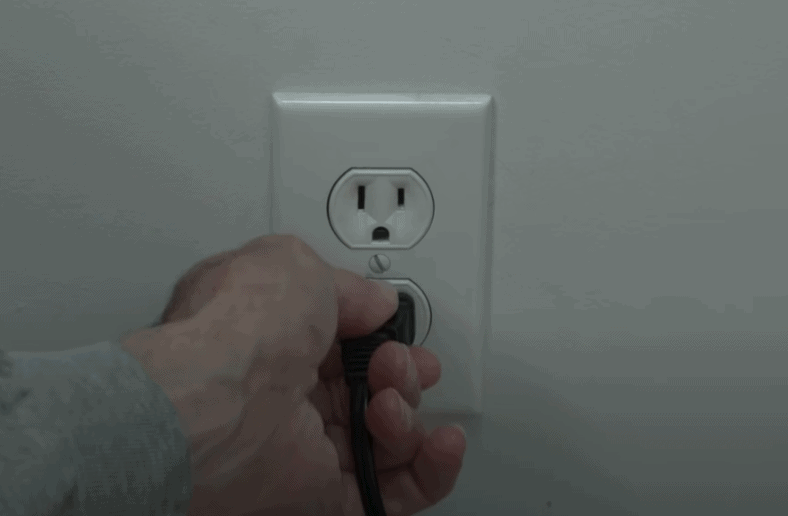
Next, press and hold the power button on your TV for about 30 seconds. This step helps to fully drain your TV of any residual electricity stored in various capacitors throughout the device.
After the 30 seconds are up, you can release the power button and then wait another 30 seconds.
Finally, go ahead and plug your LG TV back in and test your LG remote to see if it’s working.
If it is, great! If not, read on.
If power-cycling your TV didn’t do the trick, I can almost guarantee this next fix will.
Go ahead and slide off the back cover of your remote and remove the batteries.
While the batteries are removed, press down on the power button on your LG remote for about 30 seconds. Then follow that up by pressing and releasing the power button about 10 times fast.
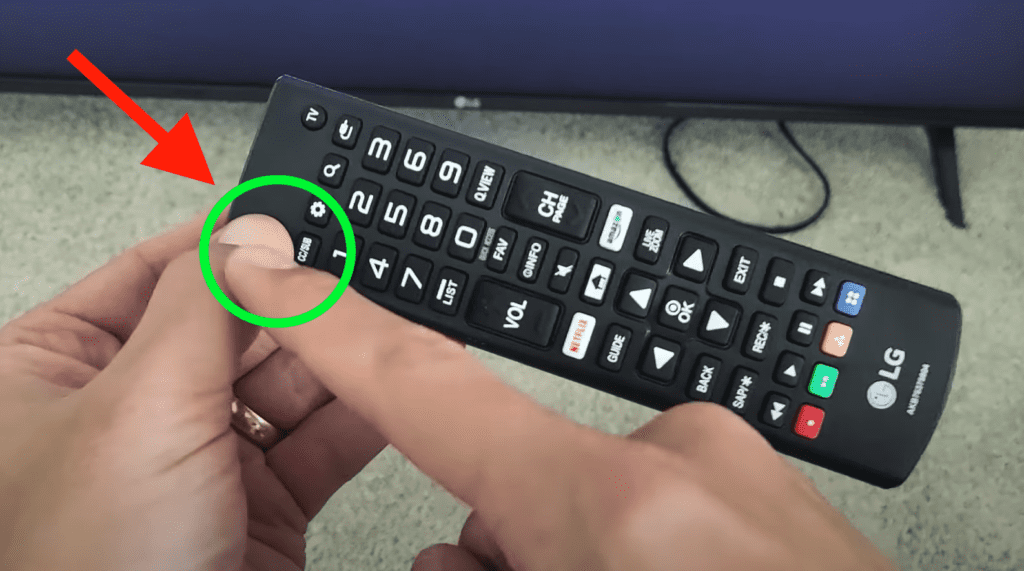
The rationale here is similar to what I described above when I had you power-cycle your TV – pressing the power button helps drain any residual power from your LG remote.
Your remote won’t properly reset if its capacitors are full of excess electricity!
After you’re done pressing the power button, go ahead and replace your remote batteries and see if your LG remote works now.
This simple reset should fix your remote!
Replace the batteries
Just to be sure, I also want you to replace the old batteries in your remote with a fresh new pair.
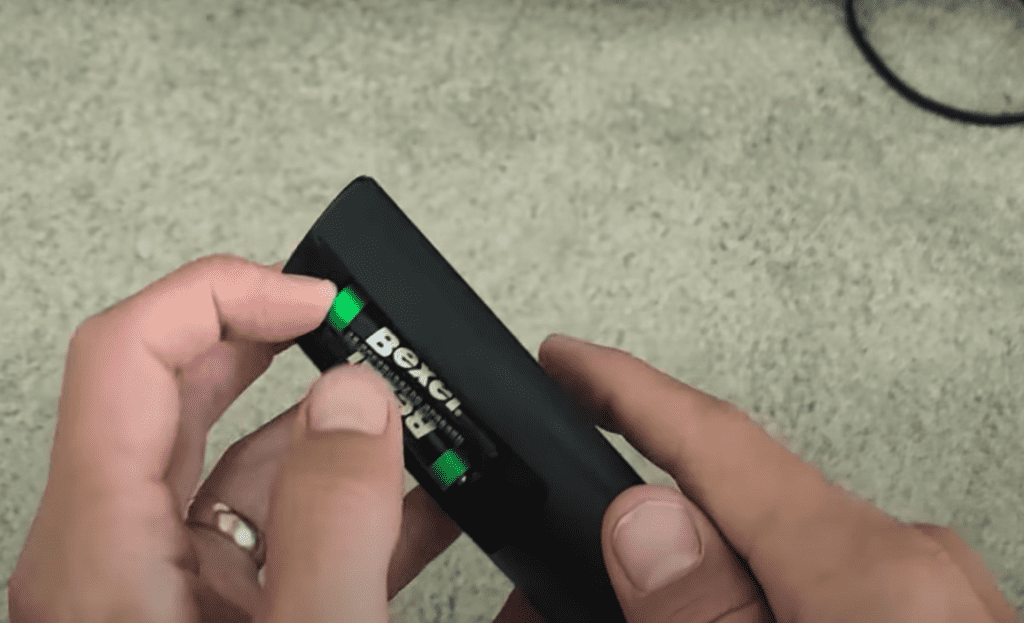
If I had a dollar every time simply replacing old, dead batteries with new ones fixed a remote, I’d have 23 dollars.
So humor me here and replace your LG remote batteries. Worst case, you’ve ruled out dead batteries as the cause of the issue, and you won’t have to replace your remote batteries for awhile.
If you power-cycled both your TV and your remote, and replaced the batteries and your LG remote still won’t work, it’s time to get creative.
Once again, trust me here! These fixes may be a bit unorthodox, but they are proven to WORK.
I want you to try mashing all the buttons on your remote. Weird, I know. But do it.
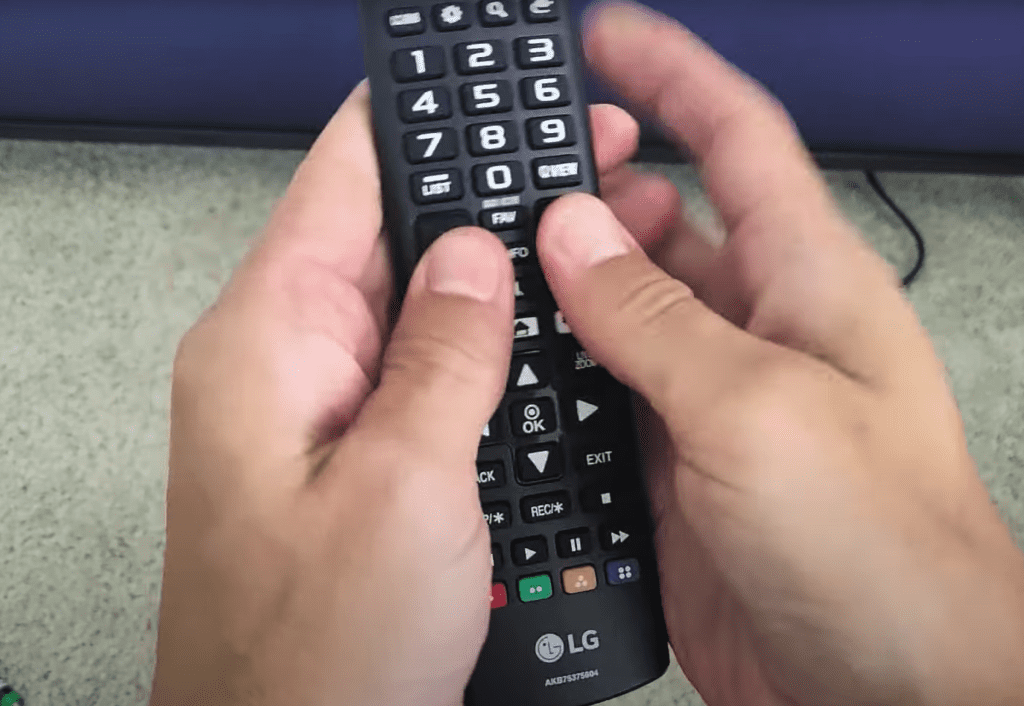
In many cases, buttons on your remote simply get stuck, giving the impression that your remote isn’t working.
Maybe some dirt, liquid, dust, food, etc. got caught between the buttons and the remote, causing them to stick.
By pressing every button on your remote many times, over and over, you’ll hopefully dislodge any debris.
NOTE: I recommend facing your remote upside down while you’re repeatedly pressing every button, so potential debris can more easily fall out.
Remove obstacles that could be blocking IR signals
At this point my suspicion is either your remote is damaged, OR something is blocking your LG remote from communicating with your TV.
Blockages are an incredibly common problem that people often aren’t aware are happening.
Your LG remote has an infrared beam that sends a signal to the infrared sensor on your LG TV. If anything gets in the way of this signal, your remote won’t work.
Possible obstructions/interferences include furniture, sound-bars/speakers, decorations, pillows, other electronics, etc.
So just make sure that your remote has a clear and direct path to your TV’s IR sensor. If something “might” be in the way, move it. Or you can try using your remote from a different angle by sitting in a different seat.
Confirm LG remote’s IR sensor works
Speaking of your LG remote’s infrared sensor – sometimes this sensor stops working altogether.
If the IR sensor on your remote is damaged and not functioning, your remote simply will not work. No signal will be sent to your TV!
Luckily, it’s easy to test your remote’s IR sensor. Simply take out your smartphone and open up the camera app.
Point the camera at your remote so that you see the top of your remote on your phone. Proceed to press any button on your LG remote.
If your remote’s IR sensor is working correctly, you should see a flashing light through your smart phone camera. If you don’t see a light or flash, your remote IR sensor is broken.
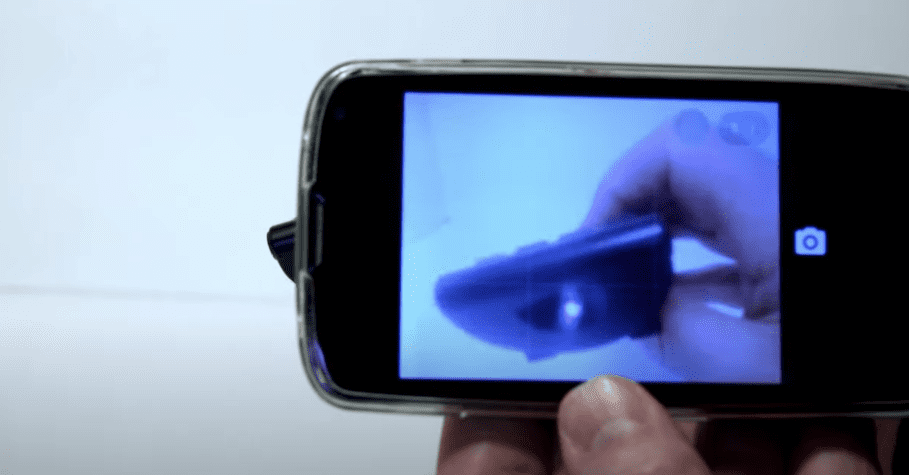
And we know it’s not simply a case of dead batteries, because you already replaced those!
Take your remote apart and clean the hardware
It’s possible that your LG remote suffered some hardware damage. Maybe there was liquid, or some other residue that made its way inside of your remote.
Maybe somebody threw your remote, or sat on it funny.
If that’s the case, you’re going to have to try a DIY fix. This fix will require you to take apart your remote, and clean off some of the internal hardware components.
If you’re a bit adventurous, and into that sort of thing, go for it! If not, it’s a lot easier to just buy a replacement remote.
But assuming you’re curious and interested in taking on a bit of a project, here’s how.

Let’s face it, your remote already doesn’t work. So what’s the worst that could happen!
Conclusion
If your LG remote won’t work, here’s how to fix it:
- Power-cycle your LG TV
- Remove the batteries from your remote and hold down the power button
- Replace old remote batteries with a new pair
- Mash all the buttons on your LG remote
- Remove any potential objects blocking your remote, and or TV’s IR sensors
- Make sure your remote’s IR sensor is working
- Try taking apart your LG remote and cleaning the hardware
If none of these fixes helped, it’s probably time to buy a replacement remote. Luckily LG remotes are incredibly affordable these days!